How to Fix High Memory (RAM) Usage in Windows: Diagnostic Playbook (2026)
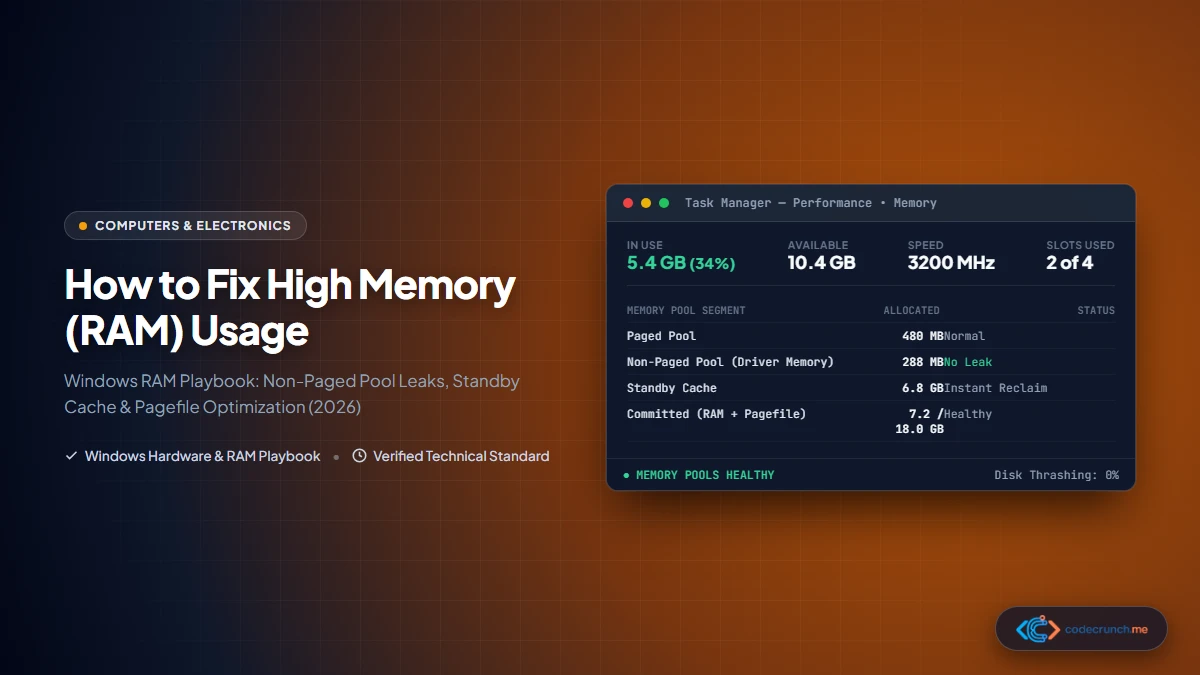
A sysadmin diagnostic playbook to identify and resolve high RAM usage, memory leaks, and disk thrashing in Windows 11 and 10. Practical steps for smooth performance.

In-depth hardware guides, buying checklists, storage architecture comparisons, and practical troubleshooting playbooks for laptops, desktop PCs, networking equipment, and modern computing hardware. Updated for 2026.
A sysadmin diagnostic playbook to identify and resolve high RAM usage, memory leaks, and disk thrashing in Windows 11 and 10. Practical steps for smooth performance.
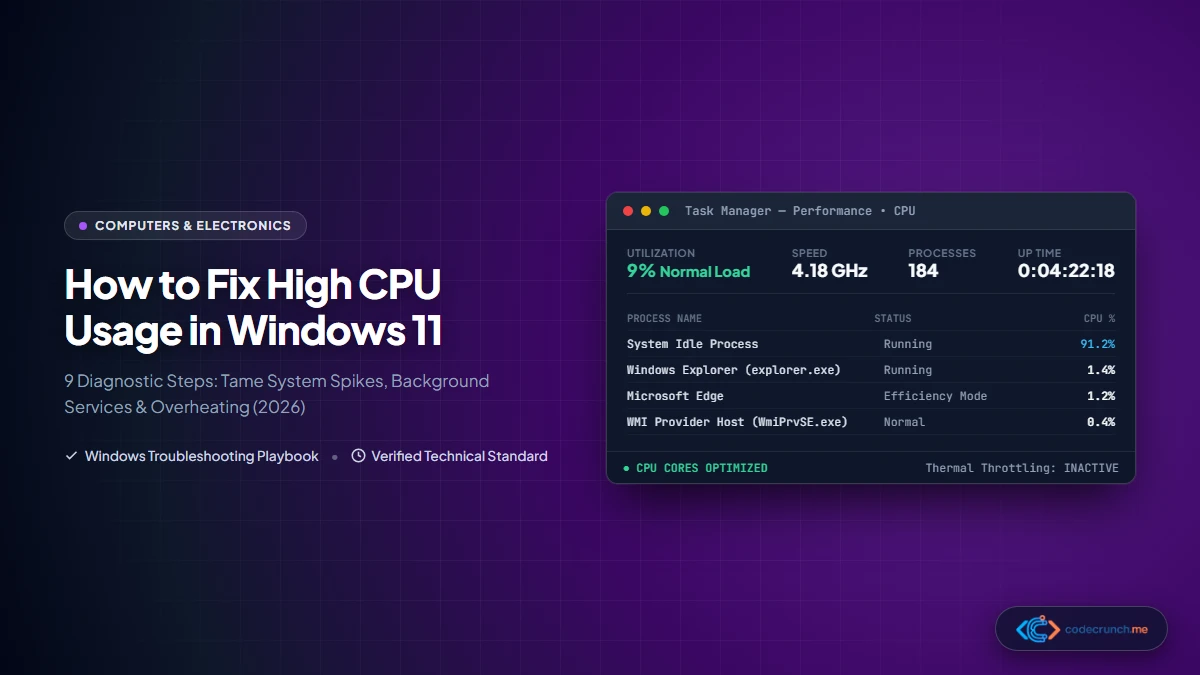
A comprehensive diagnostic playbook to resolve high CPU usage, thermal throttling, and system freezing in Windows 11. Learn proven sysadmin troubleshooting steps.
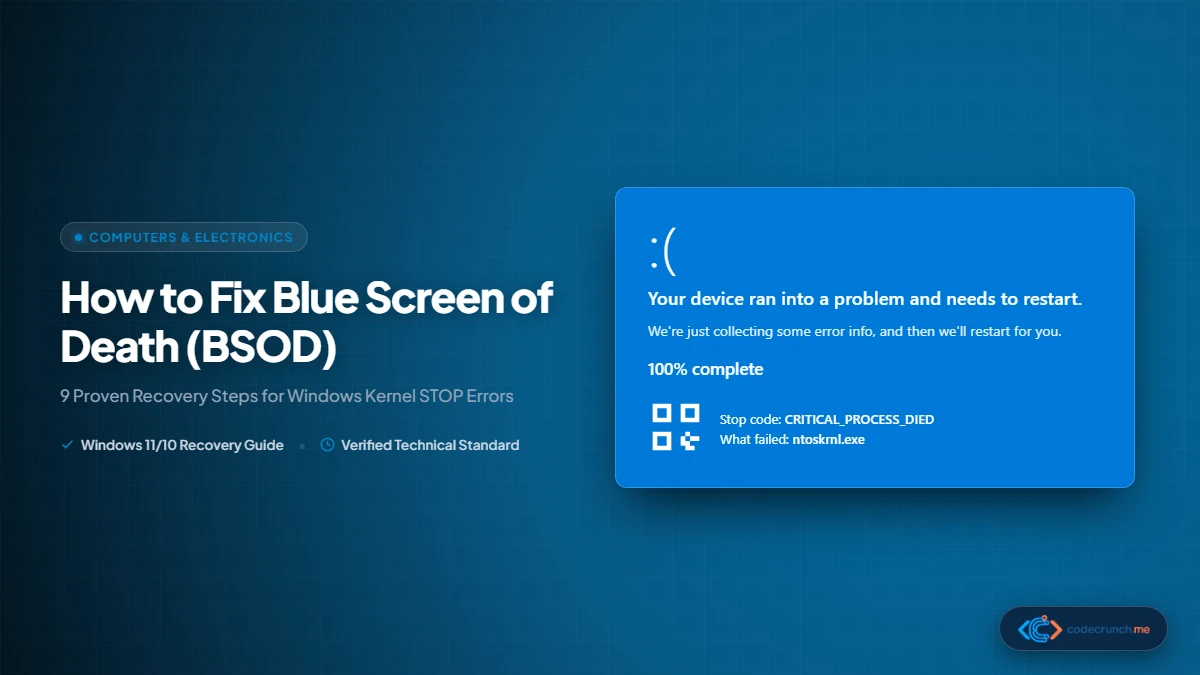
Encountering the dreaded Windows Blue Screen of Death? Follow our systematic, engineer-tested 9-step recovery process to diagnose Stop Codes, repair system files, and resolve crashes.
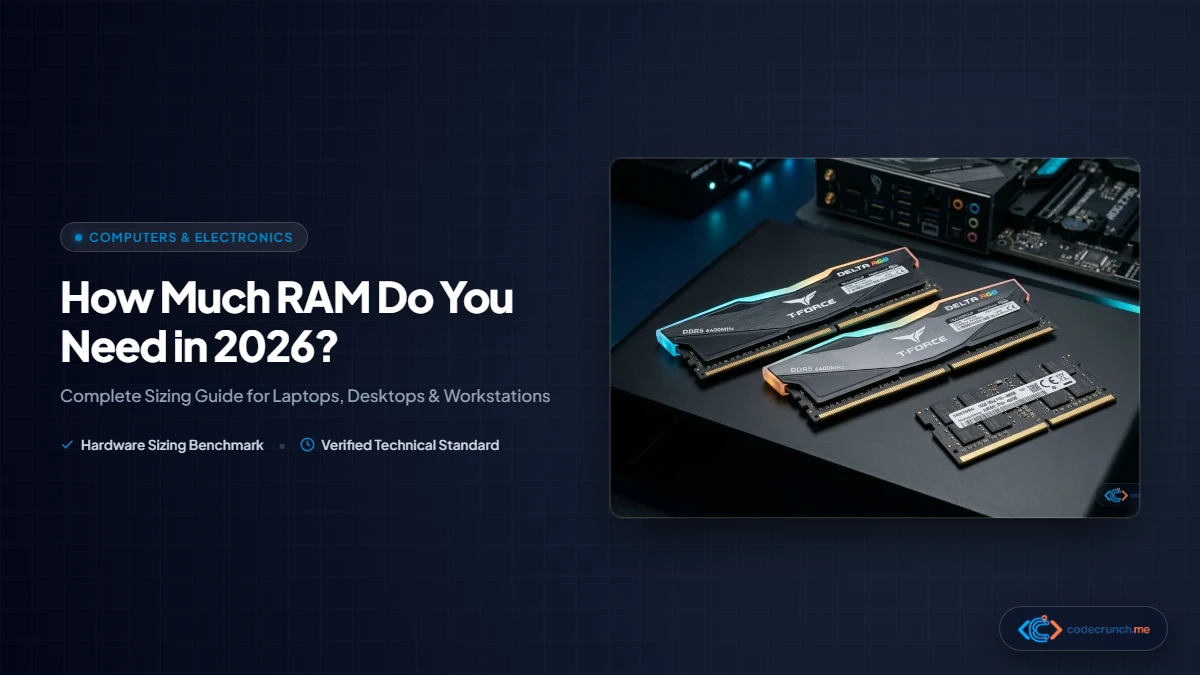
Discover how much RAM you actually need in 2026. From 8GB budget setups to 16GB mainstream standards and 32GB+ developer workstations, find the exact capacity for your workflow.
Wi-Fi keeps disconnecting randomly? This guide covers 12 proven fixes for Windows, Mac, and phone — from router resets and DNS changes to driver updates and power settings — so you can stay connected.
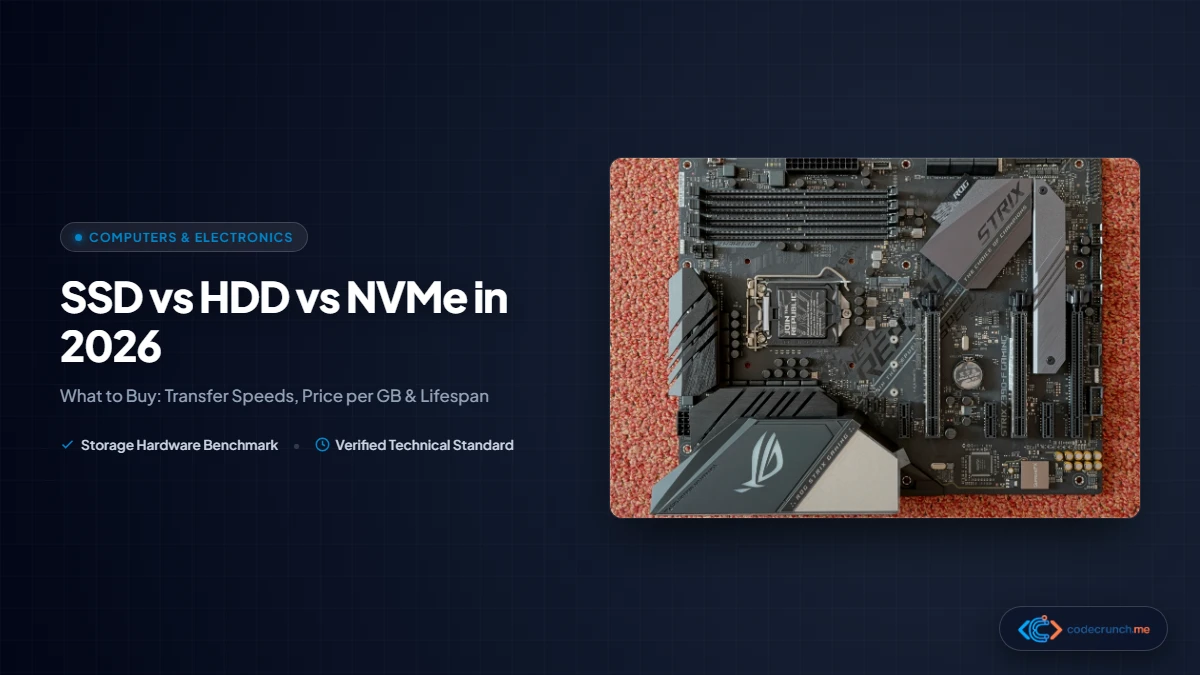
SSD vs HDD vs NVMe in 2026 — compare speed, price, lifespan, and real-world performance. This practical guide helps you choose the right storage drive for your laptop or PC without the marketing noise.
Find the best budget laptops in 2026 for work, study, and gaming. This guide includes top picks, a buying checklist, spec comparisons, and tips to avoid common traps when shopping under budget.
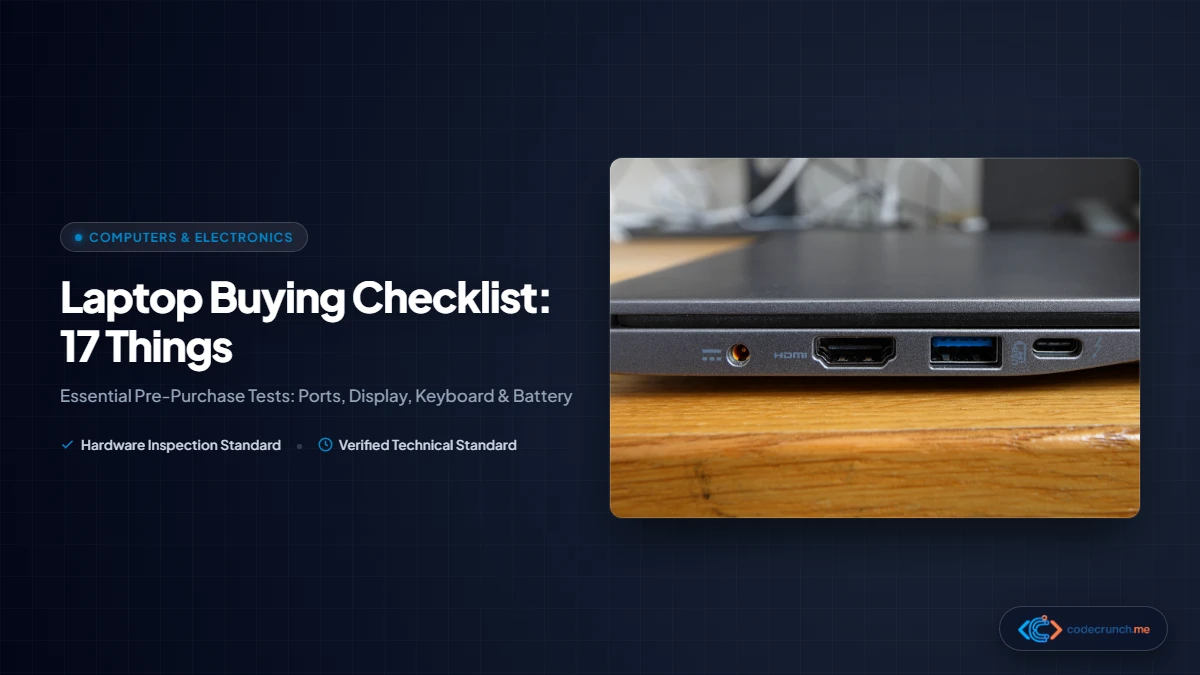
Use this 17-point laptop buying checklist before you pay. Check the processor, RAM, storage, display, battery, ports, and more — with practical tables and examples to avoid buyer’s remorse.
Is your PC running slow? These 10 fixes actually work on Windows 10 and 11 — from disabling startup apps and clearing storage to updating drivers and checking for malware. Step-by-step guide included.