If you’ve ever typed a website address into your browser and wondered what actually happens behind the scenes, you’re in the right place.
This guide explains How Websites Work in a clear, beginner-friendly way. No complicated jargon. Just practical knowledge that helps you truly understand the internet.
1. The Big Picture: What Happens When You Visit a Website?
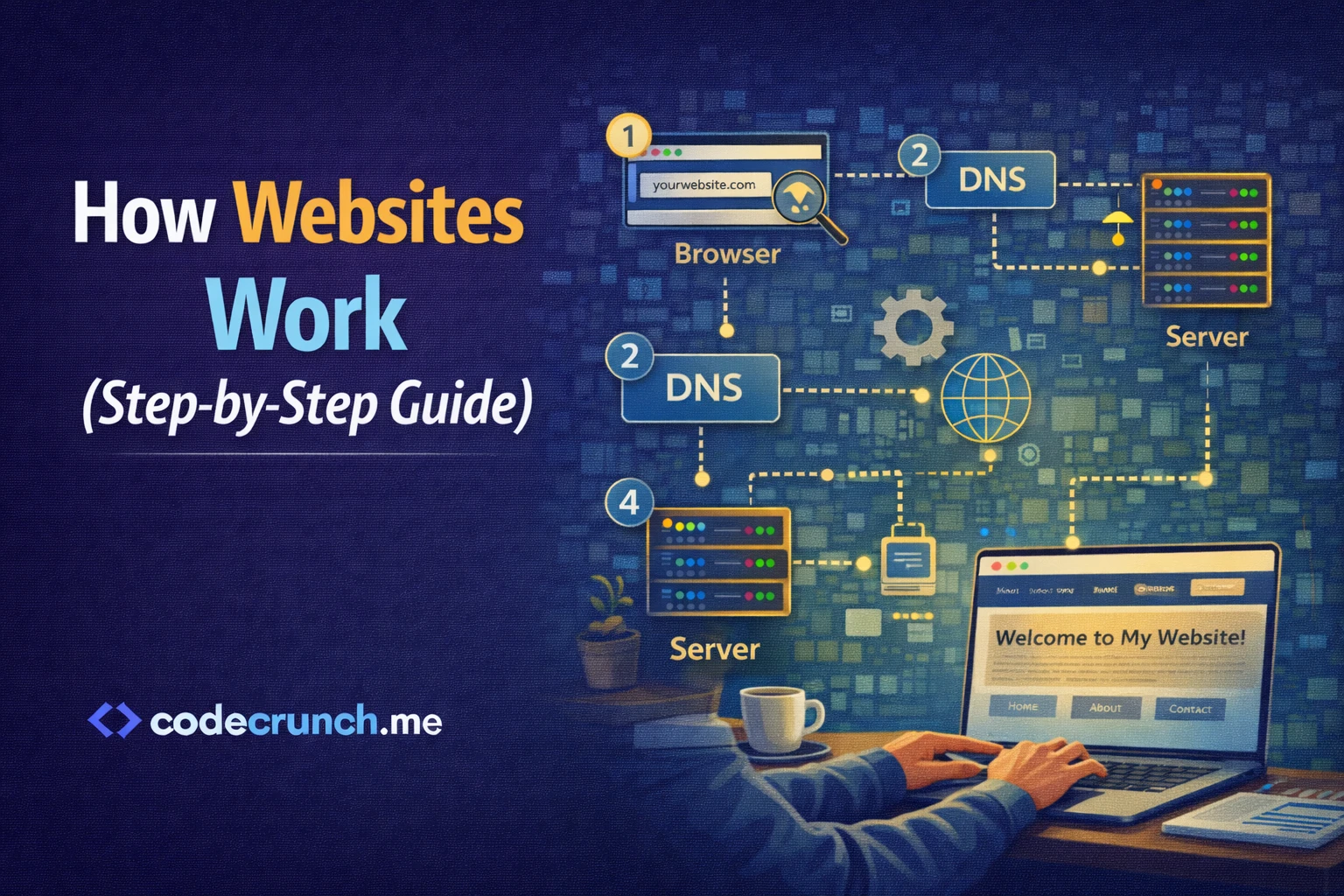
When you type a URL like www.example.com into your browser, several steps happen almost instantly:
- Your browser finds the server using DNS.
- A request is sent to that server.
- The server processes the request.
- The server sends back website files.
- Your browser displays the page.
2. Step 1: Understanding the Browser
The browser (like Chrome, Edge, or Firefox) is software installed on your device that allows you to access websites.
Its main job is to:
- Send requests to servers
- Receive website files
- Render HTML, CSS, and JavaScript
3. Step 2: What Is a URL?
A URL (Uniform Resource Locator) is the address of a website.
Example: https://www.example.com
It contains:
- Protocol (https)
- Domain name (example.com)
- Path (specific page location)
4. Step 3: DNS – The Internet’s Phonebook
Computers do not understand domain names like humans do. They use IP addresses (numbers like 192.168.1.1).
DNS (Domain Name System) translates the domain name into an IP address.
| Human-Friendly | Computer-Friendly |
|---|---|
| google.com | 142.250.190.78 (example IP) |
5. Step 4: Sending the HTTP Request
Once the IP address is found, your browser sends an HTTP request to the server.
Common request types:
- GET – Retrieve data
- POST – Send data
- PUT – Update data
- DELETE – Remove data
Official HTTP documentation is available at:
MDN Web Docs – HTTP
6. Step 5: The Server Responds
The server receives your request and processes it. There are two possibilities:
Static Website
The server sends fixed HTML files.
Dynamic Website
The server runs backend code, connects to a database, and generates content dynamically.
7. Step 6: The Role of the Database
If the website is dynamic, it likely uses a database to store information like:
- User accounts
- Passwords (encrypted)
- Products
- Comments
The server fetches the needed data and includes it in the response.
8. Step 7: Rendering the Page
Your browser receives files such as:
- HTML – Structure
- CSS – Design
- JavaScript – Interactivity
The browser combines them and renders the final visual page.
9. Hosting – Where Websites Live
Websites are stored on hosting servers that are connected to the internet 24/7.
| Shared Hosting | VPS | Cloud Hosting |
|---|---|---|
| Low cost | More control | Scalable |
| Shared resources | Dedicated portion | Flexible resources |
10. HTTPS and Security
When you see a lock icon in your browser, the website uses HTTPS.
HTTPS encrypts data between your browser and the server.
This protects:
- Login credentials
- Payment information
- Personal data
11. How Long Does This Process Take?
Most websites load within:
- 0.5 to 2 seconds on fast connections
Factors that affect speed:
- Server performance
- Website optimization
- Image sizes
- User internet speed
12. Simple Real-World Example
Imagine ordering food at a restaurant:
- You (browser) place an order.
- The waiter (HTTP request) delivers it.
- The kitchen (server) prepares it.
- The pantry (database) provides ingredients.
- Your meal is served (website displayed).
Final Summary
Now you understand How Websites Work step-by-step:
- You enter a URL.
- DNS finds the server.
- Browser sends HTTP request.
- Server processes it.
- Files are returned.
- Browser renders the page.
This entire process happens incredibly fast and powers everything we do online.
Your Next Steps
- Learn basic HTML and CSS.
- Understand HTTP and DNS concepts.
- Explore backend fundamentals.
- Build a small website project.
FAQ
Do all websites use databases?
No. Static websites may not use a database.
What is the difference between HTTP and HTTPS?
HTTPS encrypts data for secure communication.
Can I build a website without understanding servers?
Yes for simple sites, but deeper knowledge improves your skills significantly.