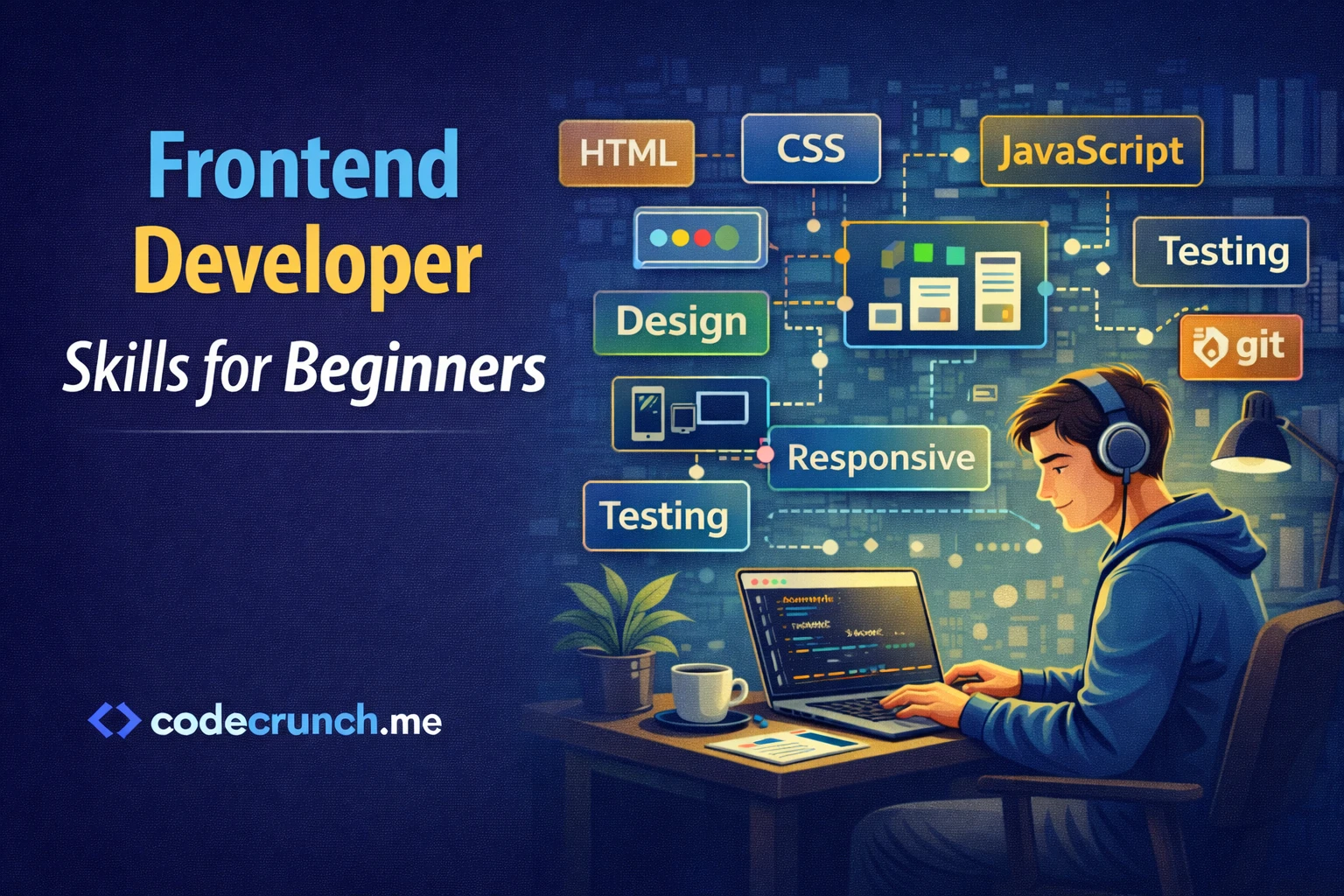
Frontend Developer Skills for Beginners – The Complete Practical Guide
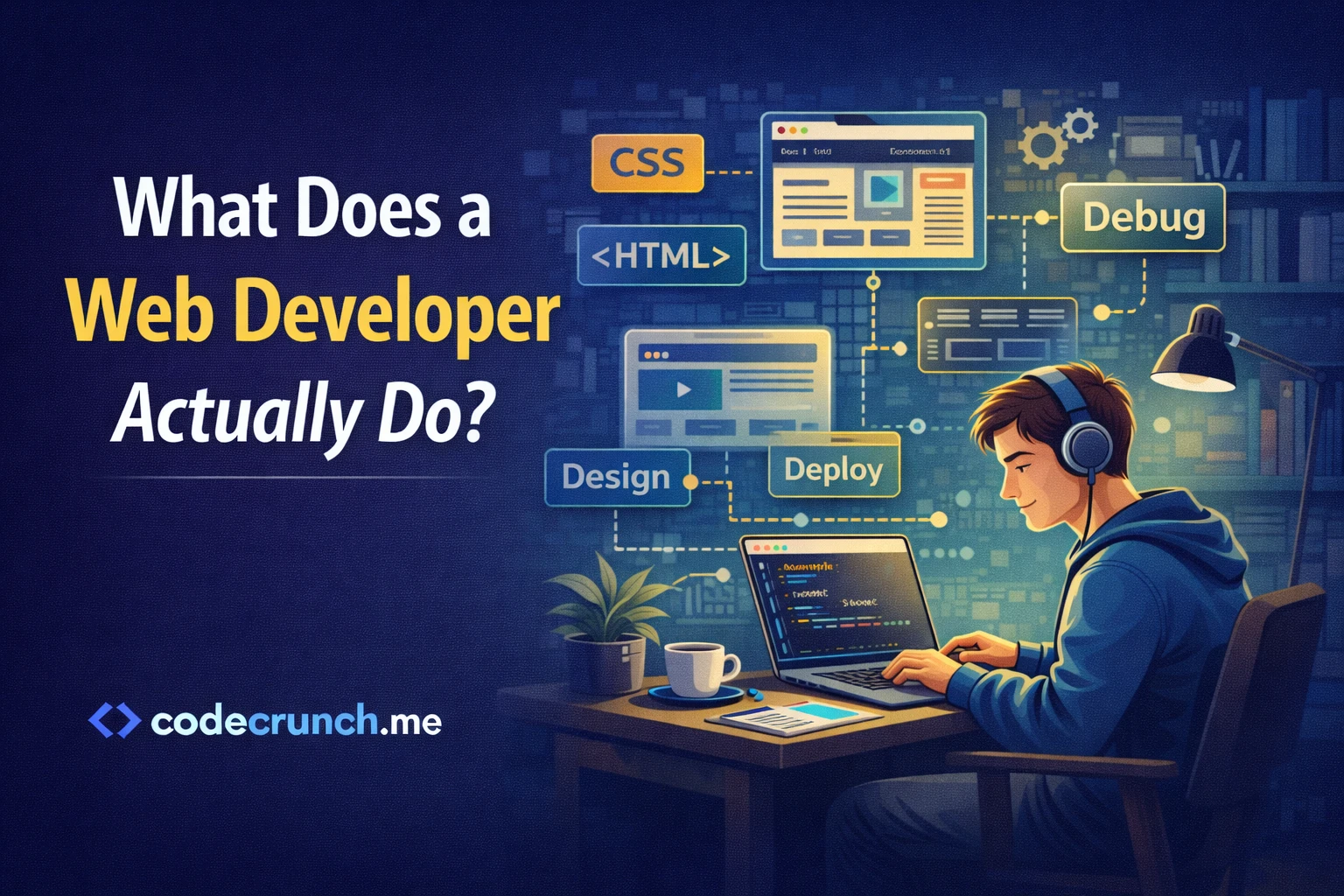
If you are starting your journey in web development, understanding Frontend Developer Skills for Beginners is the most important first step. Frontend development is the part of web development that users see and interact with. Every button you click, every animation you notice, and every layout you scroll through is built by a frontend developer.
This guide is written in clear, simple English. No academic language. No confusing theory. Just practical knowledge, step-by-step learning structure, and real advice to help you start confidently.
“The best frontend developers are not those who know everything — but those who understand the fundamentals deeply.”
What Is Frontend Development?
Frontend development focuses on the visual and interactive side of websites and web applications. It includes:
- Layout and structure
- Colors and typography
- Buttons and forms
- Animations and interactions
- Responsive design for mobile devices
When someone visits a website, everything they see in the browser is created using frontend technologies.
Why Learning Frontend Development Is a Smart Choice
Before we explore the required skills, let’s understand why this field is worth your time.
- High demand in the job market
- Freelancing opportunities
- Remote work flexibility
- Clear learning path
- Creative and technical balance
Core Frontend Developer Skills for Beginners
Here are the essential skills you must learn in the correct order.
1. HTML – The Structure of the Web
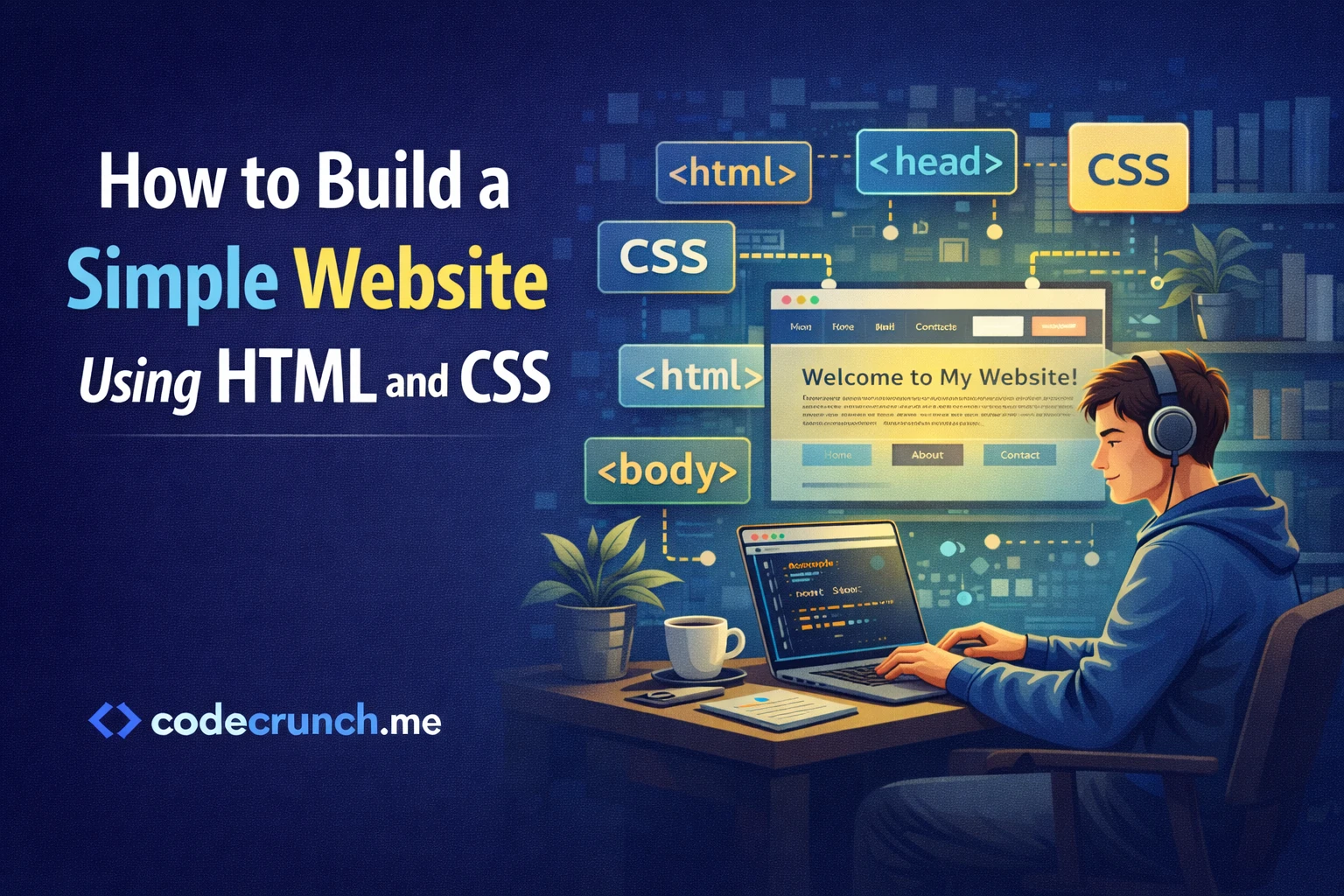
HTML (HyperText Markup Language) builds the structure of a webpage. It defines headings, paragraphs, images, links, forms, and more.
Without HTML, nothing exists visually in the browser.
What You Should Learn:
- Basic tags (h1, p, div, span)
- Links and images
- Lists (ordered & unordered)
- Forms and input fields
- Semantic elements (header, section, article, footer)
💡 Focus on writing clean and semantic HTML. It improves SEO and accessibility.
2. CSS – Styling and Layout
CSS (Cascading Style Sheets) controls how your website looks.
Key Concepts:
- Selectors and properties
- Box model
- Flexbox
- CSS Grid
- Responsive design (media queries)
HTML vs CSS Comparison
| Feature | HTML | CSS |
|---|---|---|
| Purpose | Structure | Styling |
| Controls Layout? | No | Yes |
| Handles Colors? | No | Yes |
| SEO Impact | High | Medium |
3. JavaScript – Making Websites Interactive
JavaScript adds behavior to your website.
Examples:
- Dropdown menus
- Form validation
- Image sliders
- Dynamic content updates
Beginner Topics:
- Variables and data types
- Functions
- Loops
- Events
- DOM manipulation
Responsive Design – A Must-Have Skill
More than half of web traffic comes from mobile devices. Your website must work perfectly on:
- Smartphones
- Tablets
- Laptops
- Large screens
Learn:
- Media queries
- Flexible layouts
- Mobile-first design approach
Version Control with Git
Git helps you track changes in your code. It also allows teamwork.
Basic Git Skills:
- git init
- git add
- git commit
- git push
- Working with GitHub
You can learn Git basics from the official documentation:
https://git-scm.com/docs
Frontend Frameworks – When to Learn Them?
After mastering HTML, CSS, and JavaScript, you can move to frameworks like:
- React
- Vue
- Angular
Should Beginners Start with Frameworks?
No. First build at least 5–7 small projects using vanilla JavaScript.
| Skill Level | Recommended Focus |
|---|---|
| Beginner | HTML, CSS, JS Basics |
| Intermediate | Advanced JS + API Integration |
| Advanced Beginner | React or Vue |
Soft Skills Every Beginner Needs
Technical skills are important, but soft skills make you employable.
- Problem-solving
- Communication
- Time management
- Attention to detail
- Continuous learning mindset
🚀 Consistency beats talent. Practice daily, even for 1 hour.
Step-by-Step Learning Roadmap
Step 1: Learn HTML (2–3 weeks)
Build static pages like:
- Personal profile page
- Simple blog layout
Step 2: Master CSS (4 weeks)
Create:
- Responsive landing page
- Portfolio homepage
Step 3: JavaScript Basics (4–6 weeks)
Build:
- To-do app
- Calculator
- Weather app using API
Step 4: Git & GitHub
Upload all projects and maintain a clean repository.
Step 5: Build a Portfolio
Show your projects professionally.
Common Mistakes Beginners Make
- Jumping to frameworks too early
- Watching tutorials without building
- Ignoring responsive design
- Not using version control
- Perfectionism delaying progress
How Long Does It Take to Learn Frontend?
If you practice 2–3 hours daily:
- 3–6 months to become job-ready (junior level)
- 6–12 months for strong confidence
This depends on consistency and project practice.
How to Practice Effectively
- Rebuild existing websites
- Participate in coding challenges
- Work on small freelance projects
- Contribute to open source
Final Thoughts
Learning Frontend Developer Skills for Beginners is not about memorizing code. It is about understanding how the web works and practicing regularly.
If you follow the roadmap above and build real projects, you will see progress faster than you expect.
Action Plan Summary
- Start with HTML fundamentals
- Learn CSS deeply (Flexbox & Grid)
- Master JavaScript basics
- Practice responsive design
- Use Git and GitHub
- Build 5–10 real projects
- Create a professional portfolio
FAQ – Frontend Developer Skills for Beginners
1. Do I need a degree to become a frontend developer?
No. Strong skills and portfolio matter more.
2. Is frontend development hard for beginners?
It can feel challenging at first, but it becomes easier with practice.
3. Should I learn backend too?
Not in the beginning. Focus on frontend fundamentals first.
4. What is the best frontend language to start with?
HTML, CSS, and JavaScript — in that order.
5. Can I freelance as a beginner?
Yes, after building a few solid projects and understanding client requirements.
Conclusion
Frontend development is one of the best entry points into the tech world. With dedication, structured learning, and real practice, you can transform from a beginner into a confident developer.
Start today. Build something small. Improve it tomorrow. Stay consistent.
Your journey begins now.