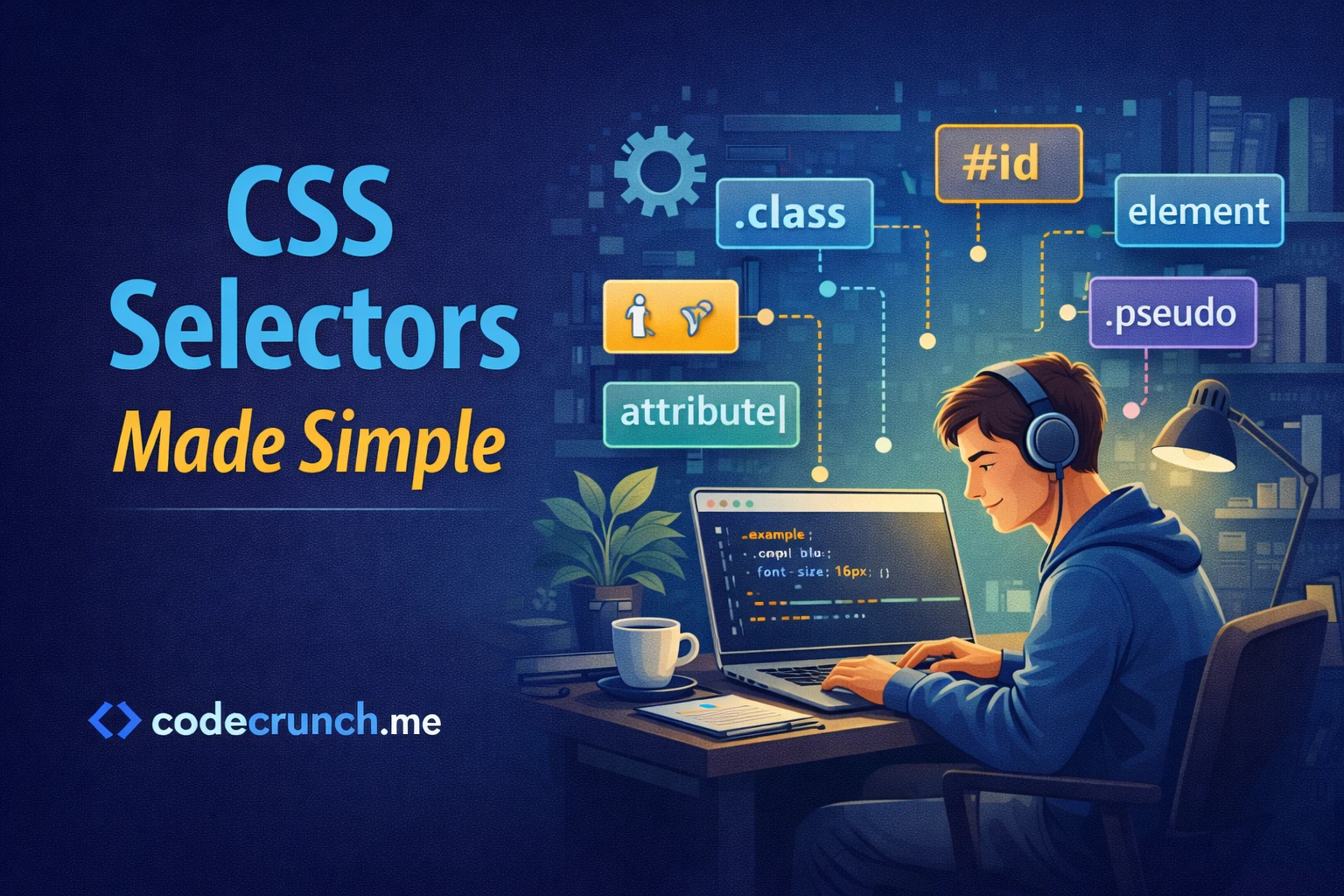
🎨 CSS Selectors Made Simple
If HTML is the structure of a website, then CSS is the style. But before you can style anything, you must understand CSS selectors.
“Selectors tell CSS exactly what to style.” 🎯
🧠 What Is a CSS Selector?
A CSS selector is a pattern used to select HTML elements so you can apply styles to them.
Example:
p {
  color: blue;
}
This selector targets all <p> (paragraph) elements and makes the text blue.
🔹 1️⃣ Element Selector
The simplest selector. It targets all elements of a specific type.
h1 {
  color: red;
}
This changes all <h1> headings to red.
🔹 2️⃣ Class Selector
Class selectors target elements with a specific class attribute.
HTML:
<p class="highlight">Important text</p>
CSS:
.highlight {
  background-color: yellow;
}
The dot (.) is used before the class name.
🔹 3️⃣ ID Selector
ID selectors target a specific element with a unique ID.
HTML:
<div id="main">Content</div>
CSS:
#main {
  border: 2px solid black;
}
The hash (#) symbol is used before the ID name.
“Use IDs for unique elements. Use classes for reusable styles.” 💡
🔹 4️⃣ Universal Selector
The universal selector (*) targets all elements.
* {
  margin: 0;
  padding: 0;
}
This is often used to reset default browser styles.
🔹 5️⃣ Group Selector
You can select multiple elements at once.
h1, h2, h3 {
  font-family: Arial;
}
This applies the same style to multiple heading levels.
🔹 6️⃣ Descendant Selector
Targets elements inside other elements.
div p {
  color: green;
}
This styles only paragraphs inside a <div>.
🔹 7️⃣ Child Selector
Targets direct children only.
div > p {
  color: orange;
}
This affects only paragraphs directly inside the div.
🔹 8️⃣ Attribute Selector
Targets elements based on attributes.
input[type="text"] {
  border: 1px solid blue;
}
This selects only text input fields.
📊 Quick Comparison Table
| Selector | Symbol | Example |
|---|---|---|
| Element | None | p { } |
| Class | . | .box { } |
| ID | # | #header { } |
| Universal | * | * { } |
| Child | > | div > p |
⚠️ Common Beginner Mistakes
- Confusing class (.) and ID (#)
- Overusing ID selectors
- Writing overly complex selectors
- Not understanding selector hierarchy
🚀 How to Practice CSS Selectors
- Create a simple HTML file.
- Add headings, paragraphs, and divs.
- Create a CSS file.
- Experiment with different selectors.
- Refresh your browser and observe changes.
“Practice is the fastest way to understand how selectors work.” 📚
🌟 Final Summary
CSS selectors allow you to:
- Target specific HTML elements
- Apply styles efficiently
- Control webpage design
Mastering selectors is the foundation of becoming confident in CSS.
❓ FAQ
1. What is the most commonly used selector?
Class selectors are used most often.
2. Should I use ID or class?
Use classes for reusable styles. Use IDs for unique elements.
3. Are complex selectors bad?
Not necessarily, but simple selectors are easier to maintain.
4. Do selectors affect performance?
Very complex selectors can impact performance, but usually not noticeably for small projects.
5. What should I learn next?
Learn CSS properties like color, margin, padding, and layout techniques.
Now open your editor and start styling. The web is your canvas. 🎨✨