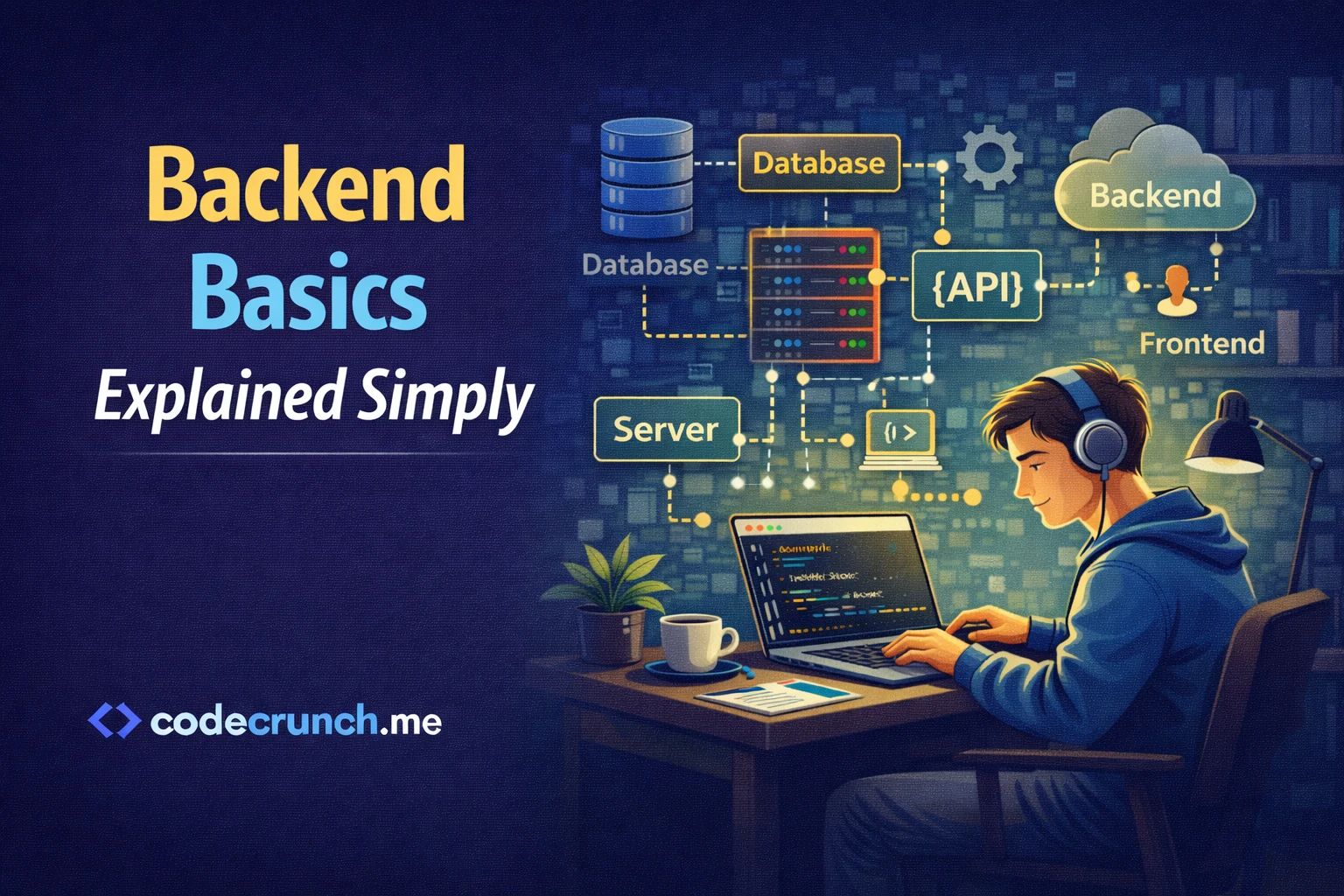
Backend Basics Explained Simply (Beginner Guide)
If you are starting your journey into web development, understanding Backend Basics is one of the smartest decisions you can make. While users see buttons, colors, and animations on websites, the real work happens behind the scenes. That hidden engine is called the backend.
This guide explains everything in simple English. No complex technical terms. No academic style. Just practical, useful knowledge that helps you move forward with confidence.
1. What Are Backend Basics?
Backend Basics refer to the core principles that allow websites and applications to function. The backend runs on a server and handles data processing, user authentication, business logic, and communication with databases.
Whenever you:
- Log into a website
- Send a contact form
- Make an online payment
- Post a comment
The backend processes that request.
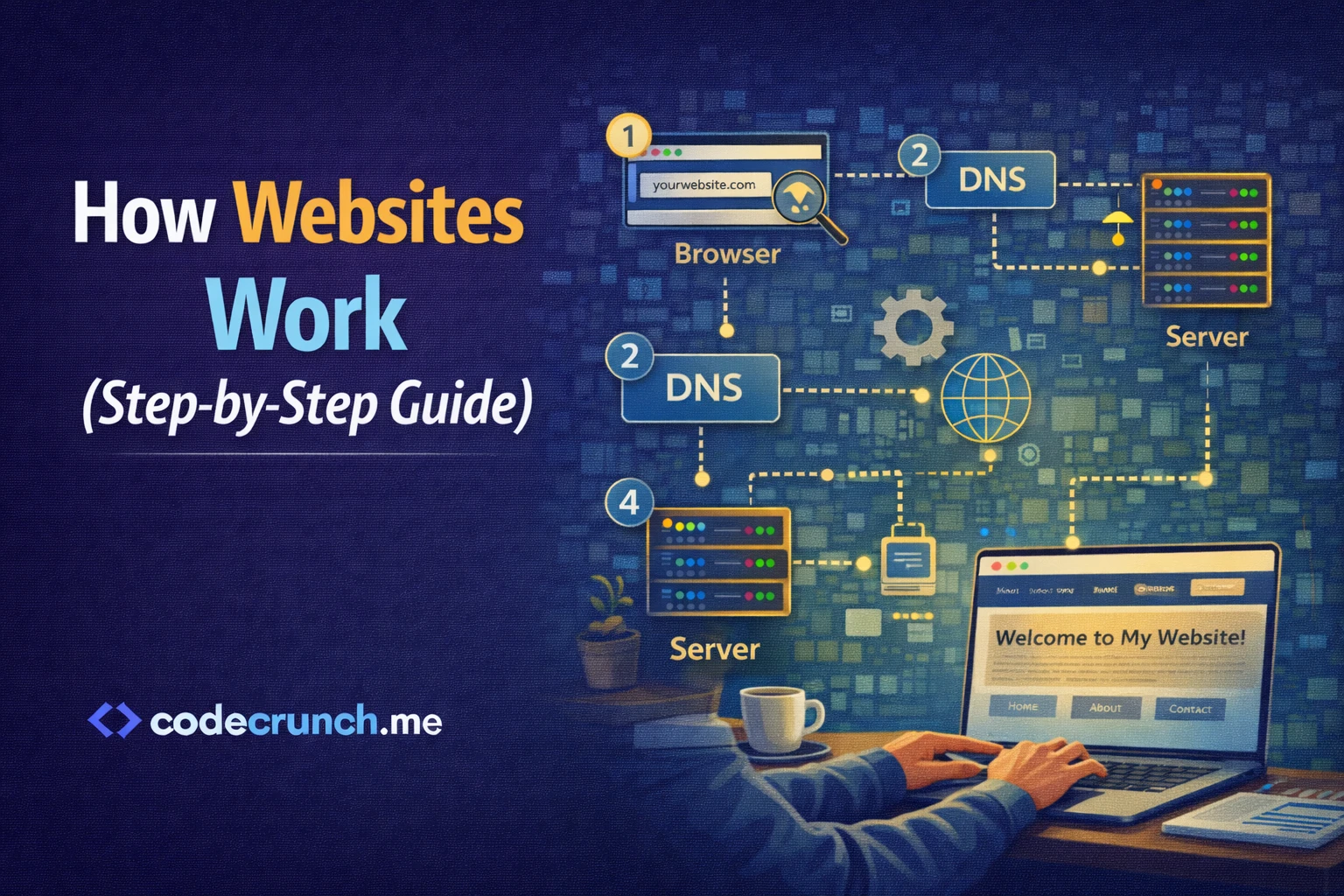
2. How the Backend Works (Step-by-Step)
Step 1: The User Action
You click a login button and enter your credentials.
Step 2: Request Sent to Server
Your browser sends an HTTP request to a server.
Step 3: Server Processes the Request
- Checks the database
- Validates credentials
- Applies business logic
Step 4: Response Returned
The server sends data back to your browser.
3. Core Components of Backend Development
1 Server
The server is a computer that receives requests and returns responses.
2 Database
A database stores information like:
- User accounts
- Passwords (encrypted)
- Orders
- Product details
3 Application Logic
This is where decisions are made. It controls how data moves and how rules are applied.
4. Frontend vs Backend Comparison
| Frontend | Backend |
|---|---|
| Visible to users | Hidden from users |
| Built with HTML, CSS, JavaScript | Built with Python, Node.js, PHP, Java |
| Runs in browser | Runs on server |
| Focus on design | Focus on logic and data |
5. Popular Backend Programming Languages
| Language | Why It’s Popular | Beginner Friendly? |
|---|---|---|
| Python | Simple syntax and powerful frameworks | Yes |
| Node.js | Uses JavaScript for server-side | Yes |
| PHP | Widely used for websites | Yes |
| Java | Enterprise-level systems | Moderate |
| C# | Business and Microsoft ecosystems | Moderate |
For beginners, Python or Node.js is usually a great starting point.
6. What Is an API?
An API (Application Programming Interface) allows communication between systems. It connects frontend and backend.
Example:
- User opens product page.
- Frontend sends API request.
- Backend returns product data in JSON format.
- Frontend displays the data.
Official reference for understanding APIs can be found at MDN Web Docs:
https://developer.mozilla.org/en-US/docs/Web/API
7. Understanding Databases
| SQL Databases | NoSQL Databases |
|---|---|
| Structured tables | Flexible structure |
| Examples: MySQL, PostgreSQL | Example: MongoDB |
| Best for structured data | Best for flexible or large-scale data |
8. Backend Security Basics
- Authentication – Verifying user identity
- Authorization – Controlling access levels
- Encryption – Protecting sensitive data
- Input Validation – Preventing malicious input
Security should never be ignored in backend systems.
9. Backend Frameworks
| Language | Framework |
|---|---|
| Python | Django, Flask |
| Node.js | Express.js |
| PHP | Laravel |
| Java | Spring Boot |
Frameworks save time and provide built-in security tools.
10. How to Start Learning Backend (Action Plan)
- Choose one language.
- Learn HTTP basics.
- Practice SQL daily.
- Build a simple CRUD app.
- Deploy your project.
11. Real-World Example
An online store backend manages:
- Inventory
- Payments
- User accounts
- Order tracking
Every action depends on backend logic.
12. Common Beginner Mistakes
- Learning multiple languages at once
- Ignoring databases
- Skipping security basics
- Not practicing enough
Final Summary
Understanding Backend Basics gives you the power to build real applications. The backend handles servers, databases, APIs, logic, and security. It is the engine of modern web applications.
Your Next Steps
- Start coding daily.
- Build small backend projects.
- Focus on security.
- Deploy and improve.
FAQ
Is backend difficult for beginners?
It may seem complex at first, but with structured learning it becomes manageable.
Do I need a computer science degree?
No. Many successful backend developers are self-taught.
How long does it take to learn backend basics?
With daily practice, 3–6 months is enough to understand the core concepts.